Ask Your Notes
Ask across available transcripts on supported Apple Intelligence devices and review the source passages behind each answer.
New in Ivory Note 2.1
Ask across your transcripts on supported devices, lock sensitive notes, label meeting speakers, and let your class schedule organize recordings automatically.
Ivory Note 2.1
Version 2.1 moves from private transcription to private understanding, while keeping the source close enough to check.
Ask across available transcripts on supported Apple Intelligence devices and review the source passages behind each answer.
Protect individual notes and reveal them with Face ID or device authentication.
Review speaker turns, remember names, and export cleaner speaker-aware meeting notes.
Let recording day and start time place new notes into the class that was happening then.
Built for college
Capture class with permission, keep every course organized, and turn long lectures into material you can actually study.
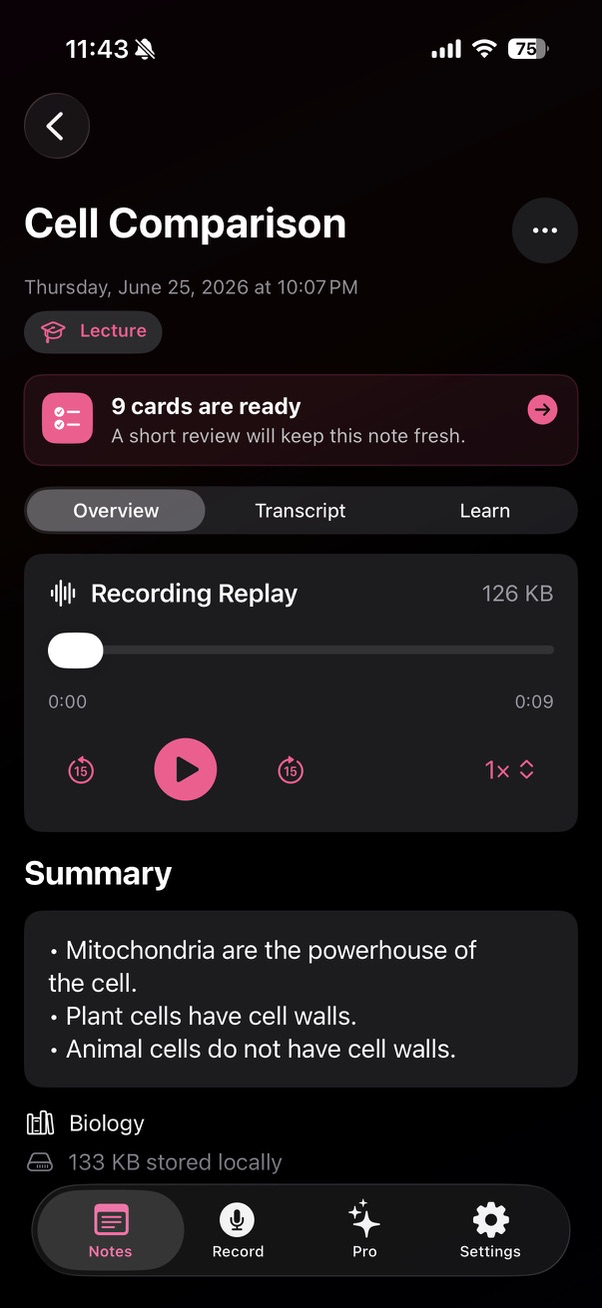
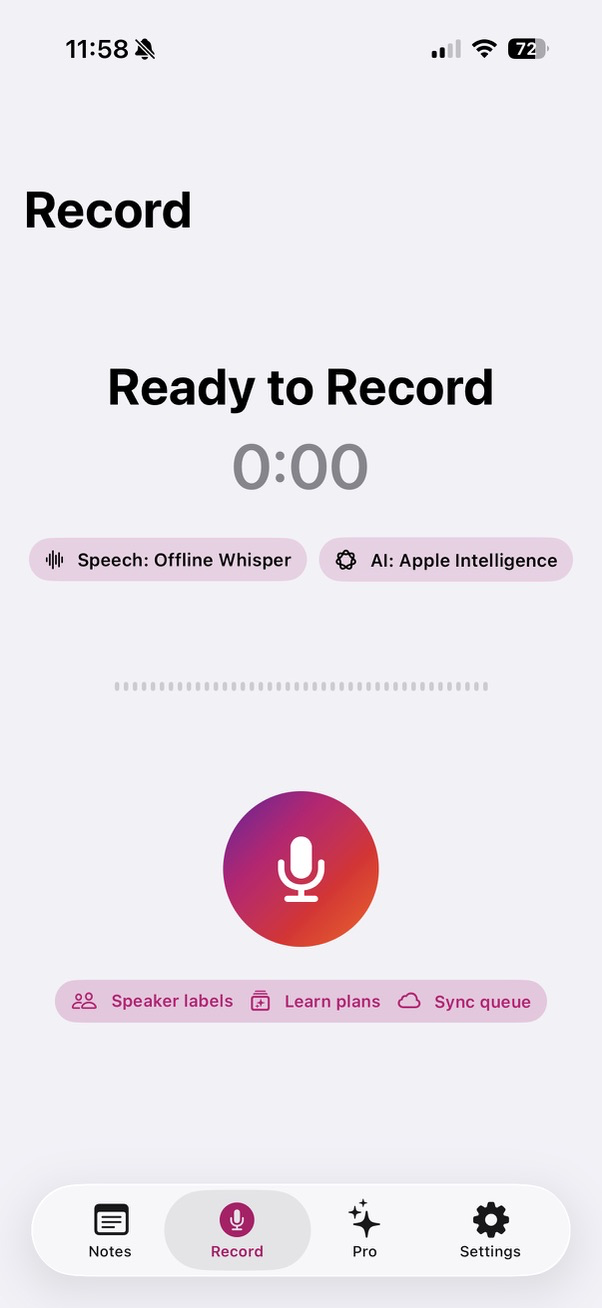
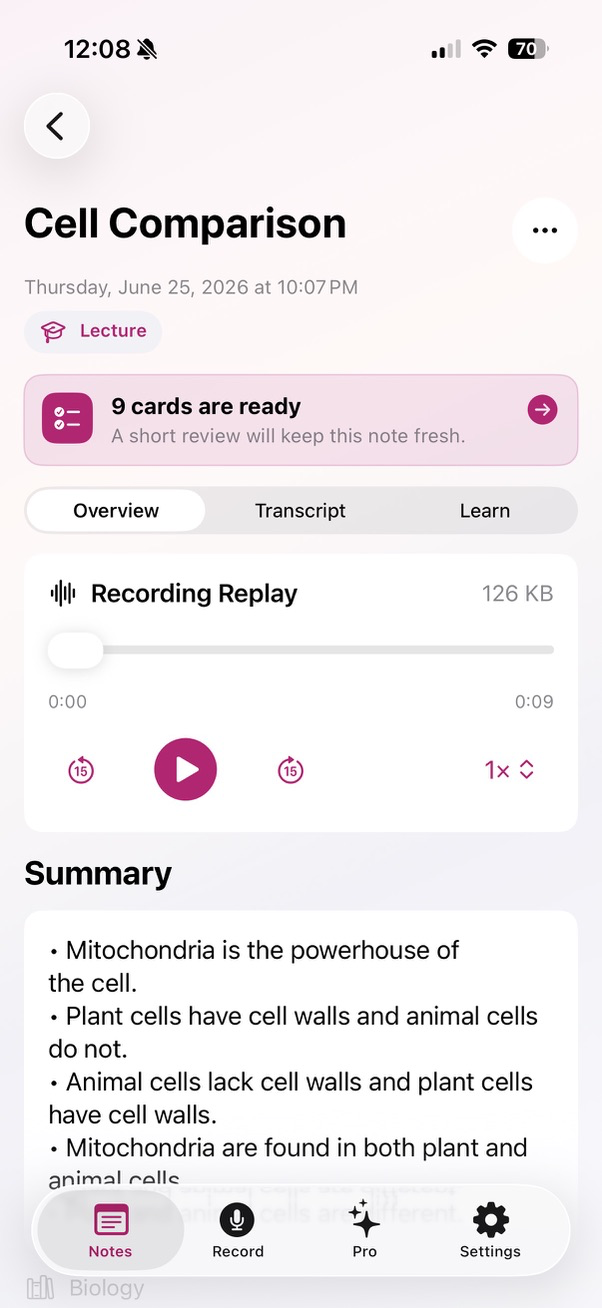
With permission, record a lecture and return to its transcript, summary, study guide, and flashcards anytime.
Build a Learn Plan with focused goals, actions, and self-check prompts from the material you just heard.
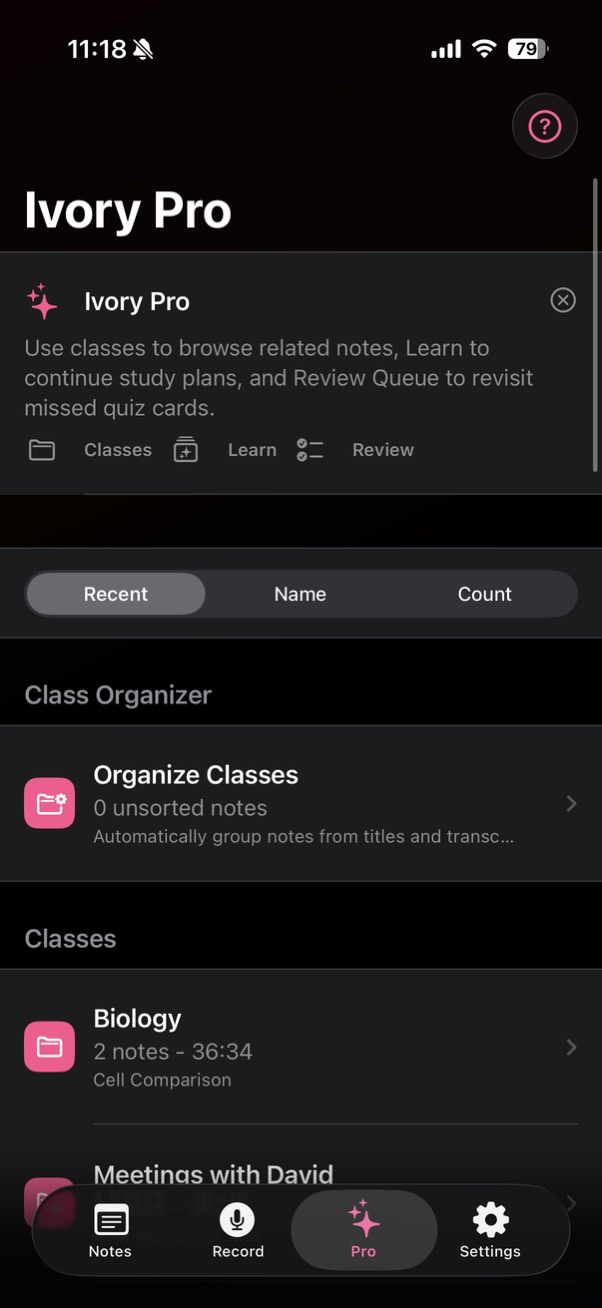
Use Class Schedule and Study Hubs to organize recordings, notes, quizzes, and review progress by course.
Practice typed recall and source-backed cards, then send missed material to Review Queue for another pass.
Supported platforms
Start where the moment happens. Keep the work available on the Apple screens you already use.
The main workspace for recording, search, and study tools.
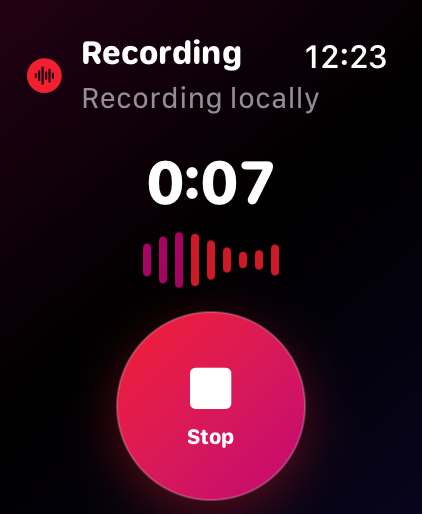
Start a recording from your wrist when your phone is away.
Use the larger screen for longer transcripts and study review.
Keep notes close while writing, researching, or planning.
See Ivory Note
Capture audio, replay recordings, review cards, manage classes, and keep Apple Watch recordings moving into Ivory.
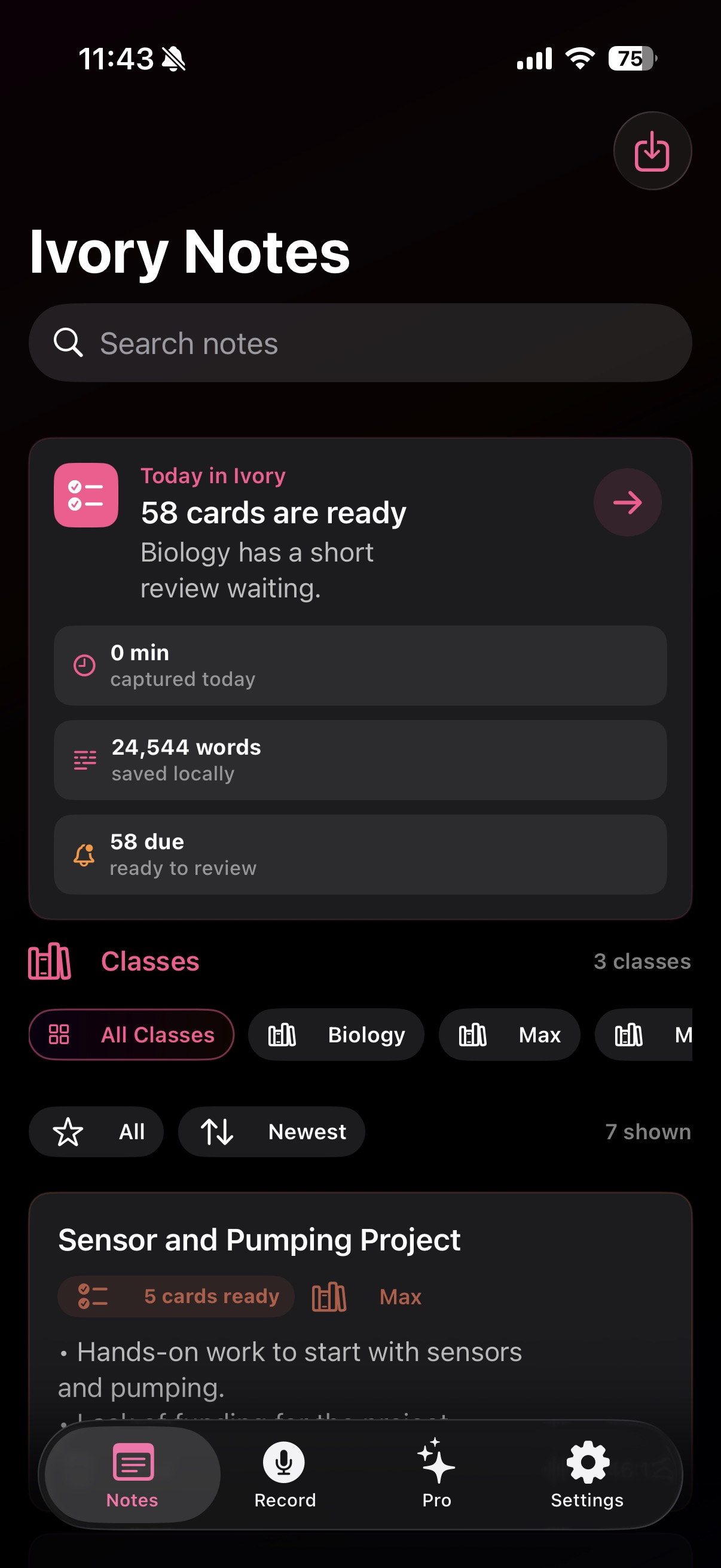
Dark mode
High-contrast views for late-night recording and review.
Light mode
The same focused workflow in a bright interface.
How it works
Tap record when the lecture begins. Ivory keeps the audio on your device.
Speech becomes a searchable transcript with a summary and study materials on device.
Follow a Learn Plan, practice flashcards, and revisit difficult cards in your Review Queue.
New in Ivory Note 2.1
Ask across available transcripts on supported devices and keep the source passages visible.
Lock individual notes and reveal them with Face ID or device authentication.
Label meeting speakers, remember their names, and export a cleaner voice script.
Organize new class recordings automatically using the weekday and start time.
Preview
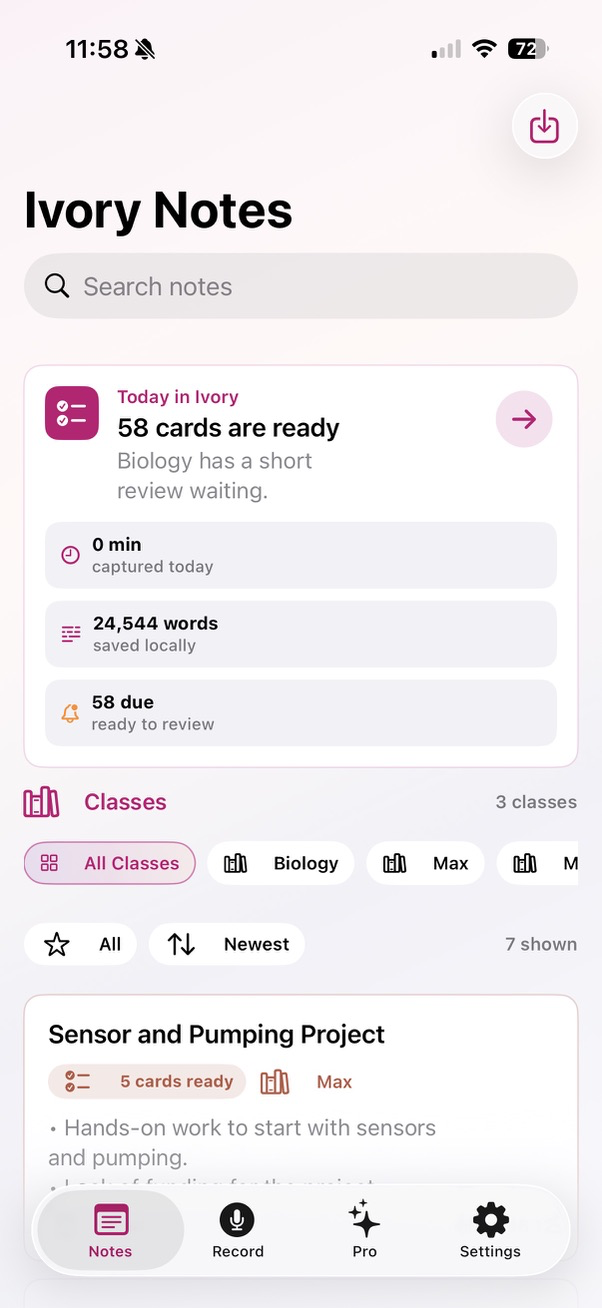
Each note keeps the context you need: source, duration, transcript, summary, study guide, flashcards, Learn Plan, and review progress.
Transcript, summary, flashcards, Learn Plan, source, and review progress stay together.
Keep classes, meetings, interviews, ideas, quizzes, and audio metrics easy to browse.
Revisit missed quiz cards, continue Learn Plans, and use reminders when cards are ready.
Release notes
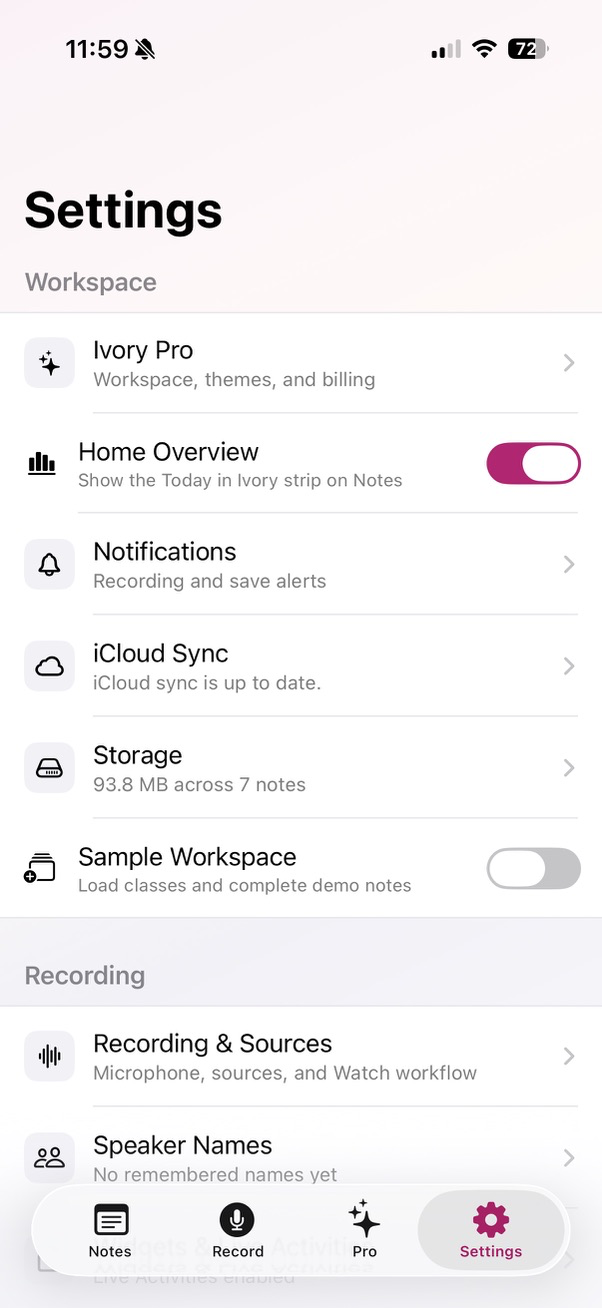
Version notes stay here as Ivory Note adds study tools, privacy improvements, and platform support.
Version 2.1 adds Ask Your Notes, Locked Notes, Speaker Review, Class Schedule, stronger study tools, and reliability improvements.
Read release notesIvory continues to transcribe with the included model on your device. Optional iCloud sync remains available for people who want it.
Your audio and notes stay local or in your private iCloud account for sync. Ivory Note has no account system, no ads, and no server that receives your recordings.